How can I reset my password?
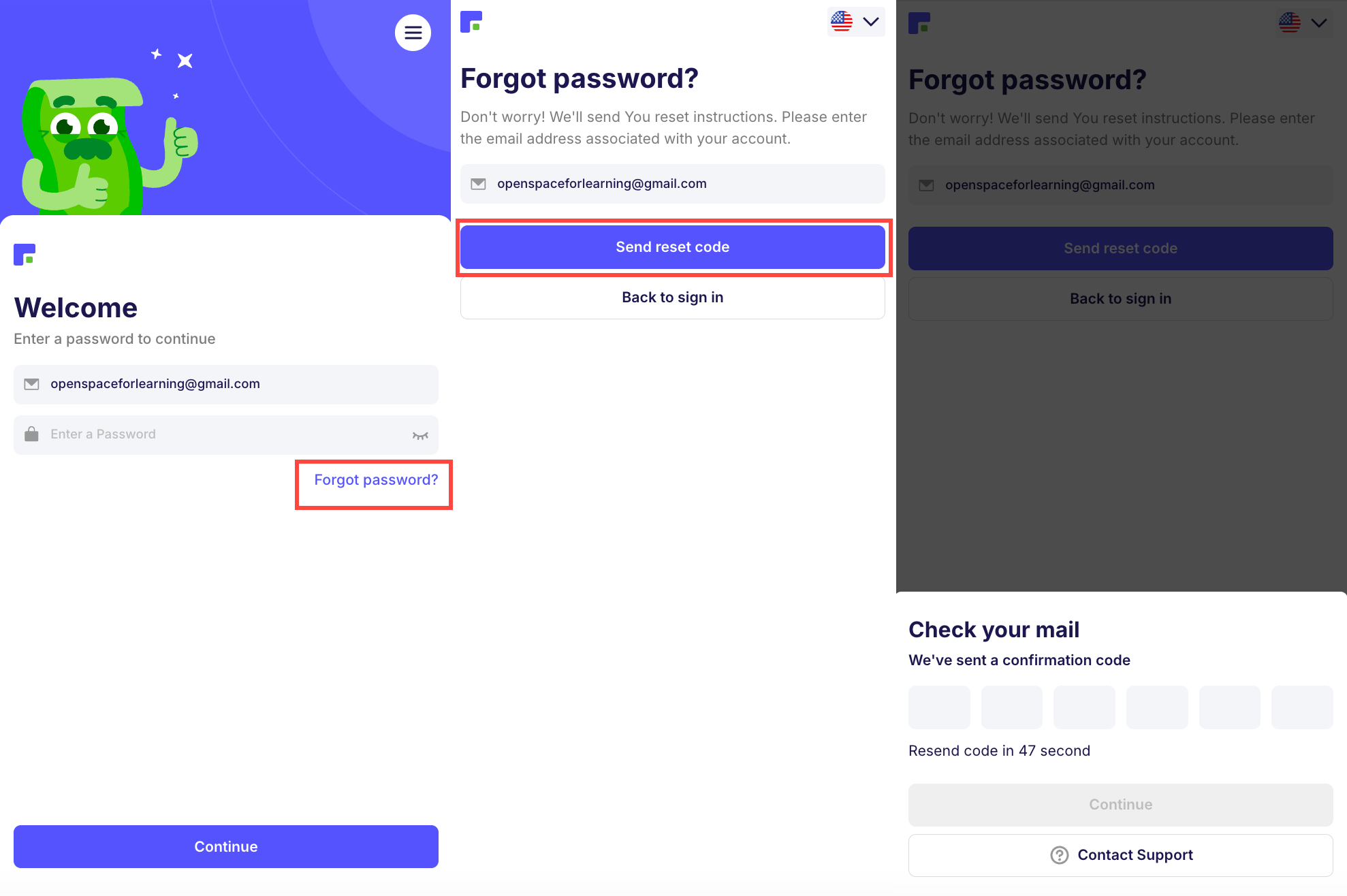
Step 1. To reset your password, please follow the link:
https://app.finelo.com/auth/reset-password.
Step 2. Enter the email you used during registration.
Step 3. Enter the 6-digit verification code sent to your email.
Step 4. Enter your new password.
If resetting your password wasn't successful, do not hesitate to contact us at support@finelo.com or by submitting a ticket at the Support Center.
Was this article helpful?